



How to Create a Listing Students Actually Want to Click
Last updated: 14/05/2026, 16:04
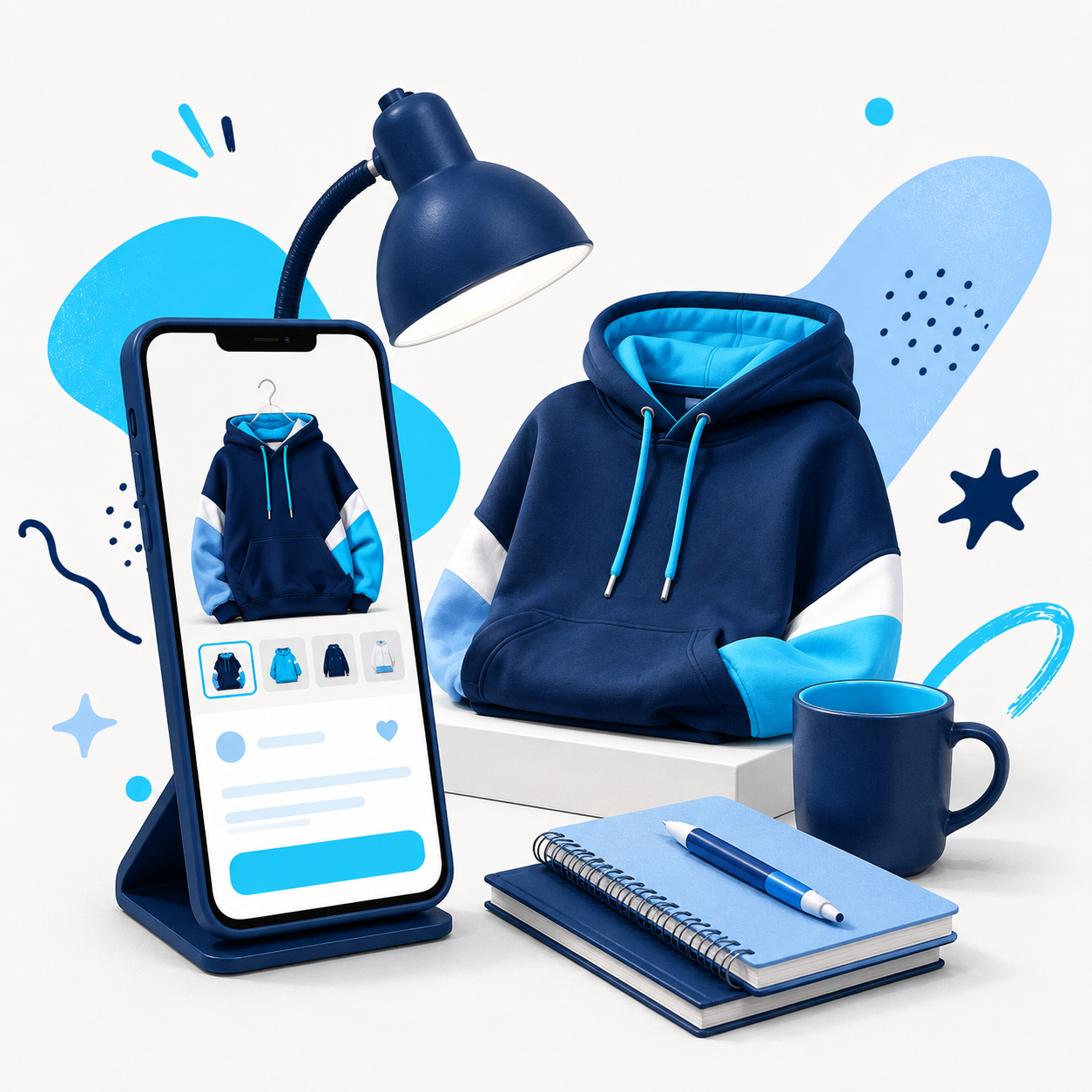
Selling online is not just about what you list.
It is about how easy you make it for someone to say yes.
Students are busy. They are scrolling quickly, comparing options, checking prices and trying to work out whether something is worth buying.
A good listing helps them decide without needing to ask loads of questions.
Use photos that show the real item
Photos matter.
You do not need professional photography, but you do need clear images.
Take photos in good light. Use a clean background if possible. Show the whole item. Add close-ups of important details, labels, editions, condition, marks or wear.
Avoid hiding flaws. If something has a scratch, mark or sign of use, show it clearly. That builds trust and avoids problems later.
Buyers do not expect every second-hand item to be perfect. They do expect the listing to be honest.
Make the title simple and searchable
Your title should say what the item is.
Do not overthink it. A clear title is better than a clever one.
For example:
“Navy hoodie, size medium”
“Economics textbook, 4th edition”
“Desk lamp, blue, good condition”
“Kitchen starter bundle: plates, mugs and cutlery”
“Scientific calculator, used for first year maths”
The buyer should understand the listing immediately.
Include the details buyers care about
A good description answers the obvious questions.
For clothing, include size, fit, condition and any brand or material details.
For books, include title, author, edition and whether there is highlighting or notes inside.
For accommodation basics, include size, quantity, condition and whether anything is missing.
For electronics or study equipment, include model, working condition and whether cables, chargers or accessories are included.
The more useful your description is, the fewer questions you will have to answer.
Price it realistically
A listing can look great, but if the price feels too high, students will scroll past.
Check what the item would cost new, then price it based on condition, age and demand. If you want a quick sale, make the price attractive.
Remember, students are usually looking for value.
That does not mean giving things away. It means making the buyer feel like they are getting a fair deal.
Keep it honest
The fastest way to lose trust is to oversell the item.
If it is used, say it is used. If there is wear, say so. If you are not sure whether a book is the current edition for a course, avoid claiming that it is.
Honesty makes the transaction smoother for everyone.
Think like the buyer
Before you publish, ask yourself:
Can they tell what it is?
Can they see the condition?
Can they understand why it is useful?
Is the price fair?
Would you click it?
If the answer is yes, you are ready to list.
A good listing does not need to shout. It just needs to make buying feel easy.